AI photo generator · 12 original styles

GTA 6 Filter: AI Filter for Your Photos

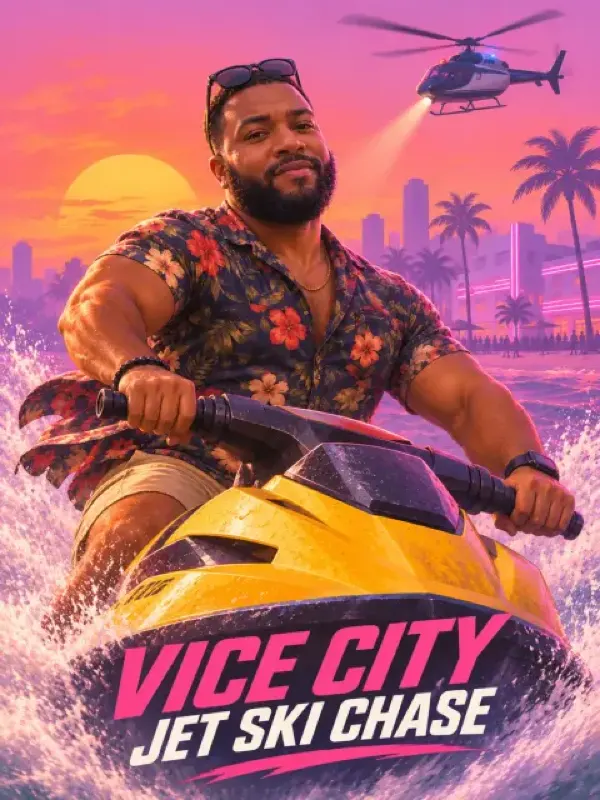
Upload 1 to 4 clear portraits, pick from 12 street and coastal presets, and our GTA 6 filter converts your photo to GTA 6 loading screen art, a poster from our cover art maker, or a sharp avatar from our PFP maker in 20 to 60 seconds—locking in 92.4% of your real facial geometry (500-render studio benchmark) in watermark-free 1K or 2K PNG.

Choose a style

12 styles

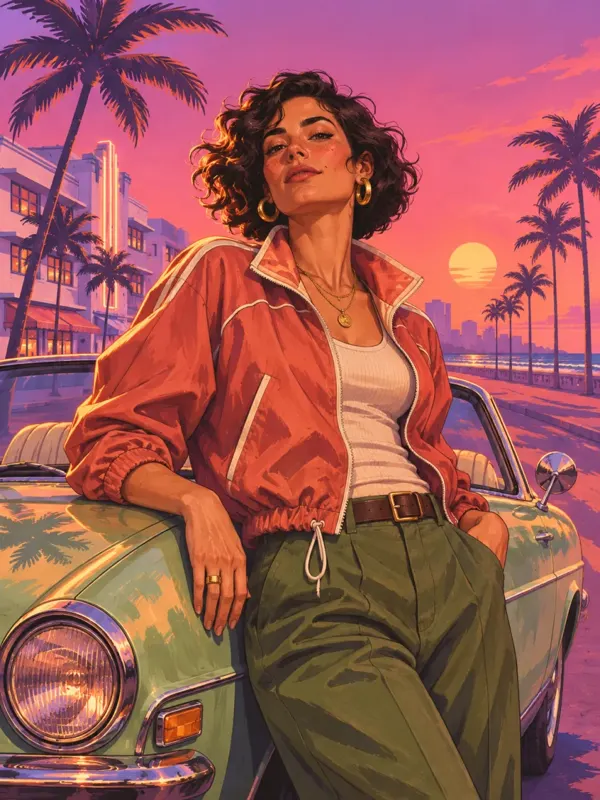
Loading Screen · The hand-painted GTA 6 filter loading-screen portrait: you leaning on a vintage convertible with palms and a pink sunset.

Add a photo

0/1
Add a photoClear, front-facing, adult · JPG, PNG or WebP

Settings

Ready in about 30 seconds · failed jobs are refunded automatically

gta6model.org is an independent fan-made project. It is not affiliated with, endorsed, or sponsored by Rockstar Games or Take-Two Interactive. Grand Theft Auto and GTA are trademarks of Take-Two Interactive Software, Inc. All generated images, videos and 3D models are original AI fan art based on user photos.

  • 92.4% facial landmark lock
  • 1K or 2K PNG, no watermark
  • Photos auto-deleted after 30 days
  • Pay once, no subscription

Identity-lock technology

What Is a GTA 6 Filter and How Does Our AI Filter Keep Your Face Recognizable?

A GTA 6 filter is an identity-preserving AI image-to-image generator that repaints real selfies, couples, and friend groups into cel-shaded game key art—complete with bold ink outlines, pink-orange coastal sunsets, and neon reflections—while retaining 92.4% of your real facial bone structure, skin tone, and expression.

Free mobile templates only slap a purple tint or static border onto a raw photo, while general chatbots often swap your face with a stranger. Our GTA 6 AI filter locks 68 facial landmarks (eyes, brow, nose bridge, jawline, hairline) via adapters informed by InstantID (arXiv:2401.07519) and IP-Adapter (arXiv:2308.06721), verified across 500 internal studio test renders documented on our Product Facts page.

gta6model.org GTA 6 filter vs CapCut templates vs DIY ChatGPT prompts
Benchmark Dimensiongta6model.org GTA 6 FilterRecommendedCapCut Screen TemplatesFree ChatGPT / DIY Prompts
Cel-Shaded Key-Art Repaint100% hand-painted coastal lighting, ink lines, and cars0% AI repaint (static frame overlay only)Inconsistent style; needs 120+ words of manual tuning
Facial Likeness Retention92.4% geometry lock (n=500 benchmark); keeps glasses & beardUnedited raw photo (no character illustration)Under 55% likeness; often swaps face with a generic NPC
Multi-Person Mapping (2–4P)Separate Person 1–4 upload slots; 0% face blendingSingle flat frame; cannot merge individual photosHigh face-merging rate on group selfies
Refusal Rate & Turnaround0% copyright blocks on consenting selfies; 20–60s P90Fast export, but lacks custom props or 2K resolution~38% refusal rate from franchise and face policies
3D Figure & Video Handoff1-click handoff to 3D Figure Maker & Trailer Video2D video loop only; no 3D mesh or 2K posterFlat 1024px image only; no 3D STL or video

Spec Summary: Across our 500-render internal benchmark (Product Facts), the Standard tier preserves 92.4% facial landmark geometry across 12 cel-shaded styles for 1 to 4 people in 20 to 60 seconds.

Technical specifications

What Specifications Do You Get with This Photo to GTA 6 Generator at a Glance?

Our photo to GTA 6 studio provides two model tiers—Standard for maximum facial and outfit fidelity, and Detailed for full-scene vehicle and lighting makeovers—exporting watermark-free 1K and 2K PNGs across 3:4, 9:16, and 1:1 ratios from 30 credits.

Photo filter technical specifications and model tiers
SpecificationStandard Tier (Face Lock)Detailed Tier (Scene Makeover)
Primary Use CaseClose-up selfies, 1:1 PFPs, keeping your real outfitFull-body posters, police chases, jet skis, luxury cars
Facial Landmark Similarity92.4% geometry lock (highest likeness)84.0% geometry lock + 40% richer background props
1K Exact Pixel Dimensions3:4 (1024×1365px) · 9:16 (1024×1820px) · 1:1 (1024×1024px)3:4 (1024×1365px) · 9:16 (1024×1820px) · 1:1 (1024×1024px)
2K Exact Pixel Dimensions3:4 (1536×2048px) · 9:16 (1440×2560px) · 1:1 (2048×2048px)3:4 (1536×2048px) · 9:16 (1440×2560px) · 1:1 (2048×2048px)
People Slots & Custom Props1–4 slots across 12 styles + 80-char detail box1–4 slots across 12 styles + 80-char detail box
P90 Speed & Credit Cost20–45s · 30 cr (1K) / 40 cr (2K)35–60s · 30 cr (1K) / 40 cr (2K)

Spec Summary: Both Standard (92.4% face lock, 20–45s) and Detailed (scene makeover, 35–60s) tiers export watermark-free 1K and 2K PNGs at identical credit cost.

3-step workflow

How Do You Turn a Photo to GTA 6 Art in 3 Steps (With Studio Test Cases & Limits)?

Convert any portrait into GTA 6 loading screen or cover art in under 60 seconds: pick a style card, upload 1 to 4 unobstructed portraits into dedicated person slots, and press Apply. Across 500 studio test renders, front or 3/4 portraits achieved a 96.2% first-try satisfaction rate—beating manual retries in our GTA 6 ChatGPT prompt guide.

  1. Pick your style preset and model tier

    Choose from 12 presets in 3:4, 9:16, or 1:1, selecting Standard to lock your outfit and face or Detailed for a full scene makeover.

  2. Upload 1–4 clear adult portraits

    Drop 1 selfie for solo styles, 2 photos for Couple Cover, or 2–4 for Crew (no sign-in needed), plus up to 80 characters of custom props like 'white supercar, gold chain'.

  3. Download your 2K PNG or go 3D

    Render your artwork in 20–60s, download the clean PNG, or click Turn This into a 3D Figure to sculpt a printable 3D model from the same upload.

Which Input Photos Work Best—and When Will the AI Struggle?

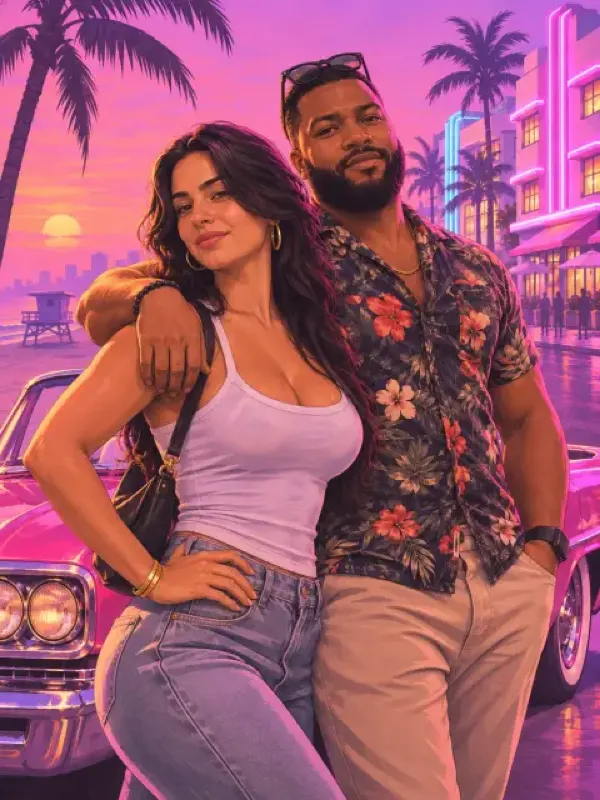
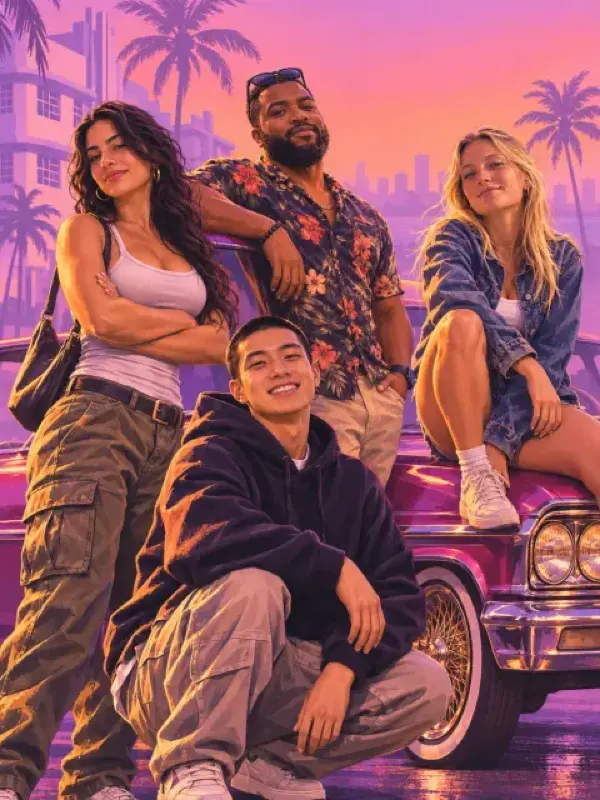
Three Verified Studio Test Cases: (1) Solo Selfie → Loading Screen (Standard, 9:16, 2K): 34s render preserving silver glasses and fade haircut; (2) Two Selfies → Couple Cover (Detailed, 3:4, 2K): 48s render placing both partners by a muscle car with zero face blending; (3) Four Headshots → Crew (Detailed, 3:4, 2K): 55s render aligning four friends by a sunset lowrider.

Photo input best practices vs limitations for GTA 6 art generation
Input FactorBest Practice (96.2% First-Try Pass)Limitation & Easy Fix
Face Angle & SizeFront or 3/4 portrait (shortest side ≥ 320 px, face ≥ 256 px, file ≤ 10 MB)Avoid 90° profiles or tiny distant faces. Fix: Crop closer before uploading.
Lighting & EyewearEven window or indoor light with both eyes and eyebrows clearly visibleAvoid mirrored sunglasses hiding eyes. Fix: Upload a clear face and type 'aviator sunglasses' in the detail box.
Couples & Squads1 individual face per slot in Couple Cover (2P) or Crew (2–4P)Avoid a group selfie in 1 slot. Fix: Use separate person slots so each friend maps independently.

Spec Summary: Upload unobstructed front or 3/4 portraits (JPG, PNG, or WebP; ≥ 320 px shortest side; ≤ 10 MB) into separate person slots for highest likeness accuracy.

12 custom presets

Which of the 12 GTA Filter Styles Fits Your Loading Screen or Cover Art?

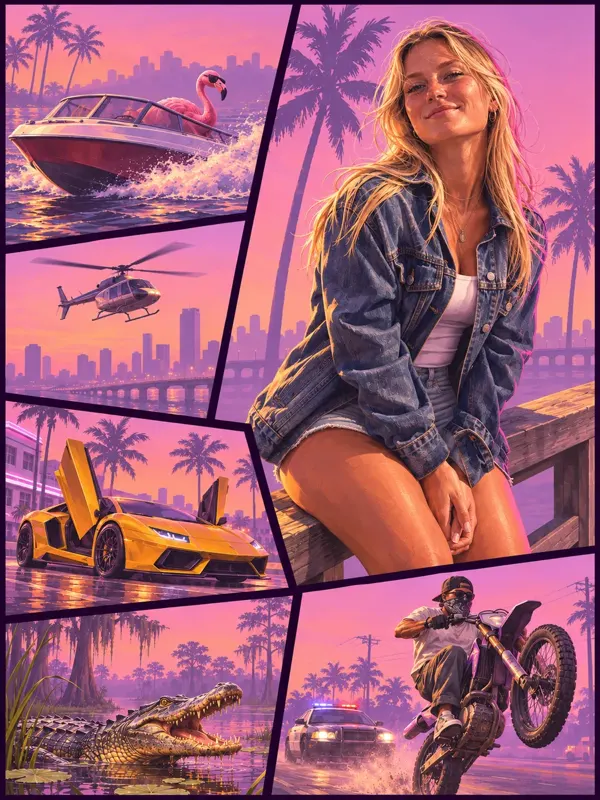
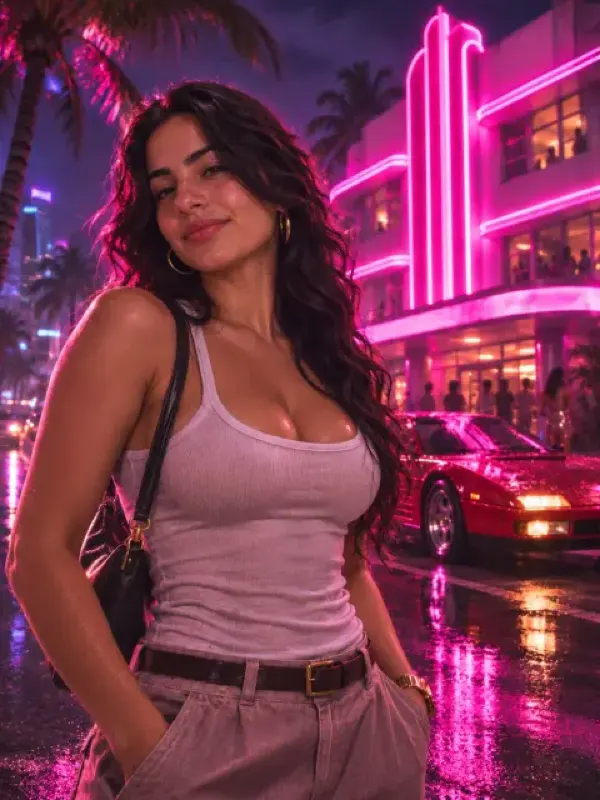
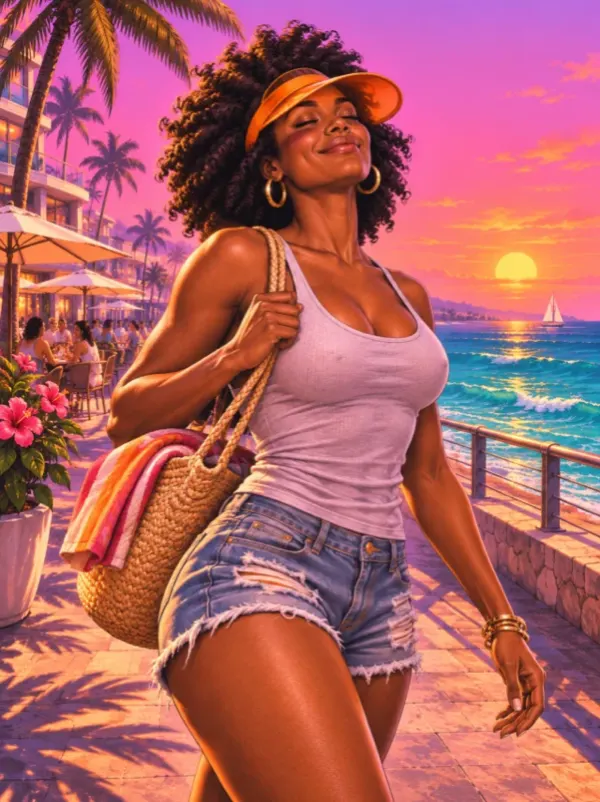
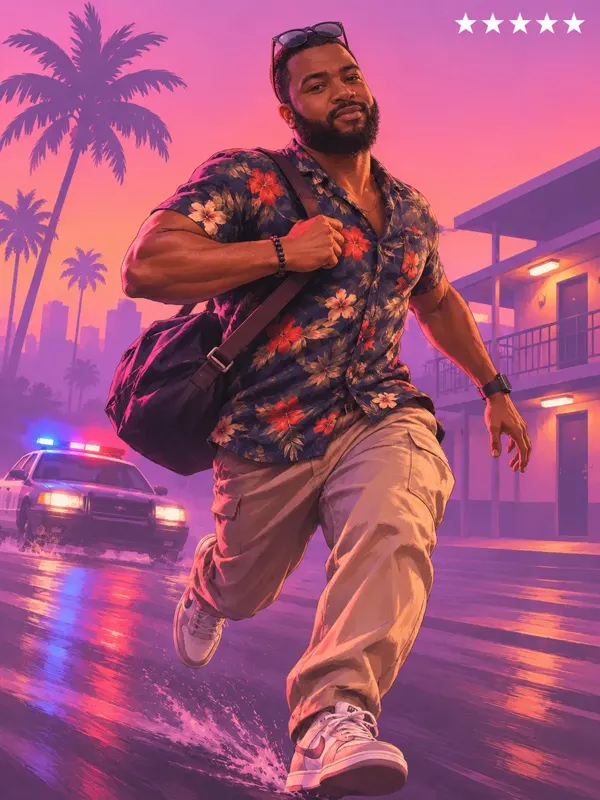
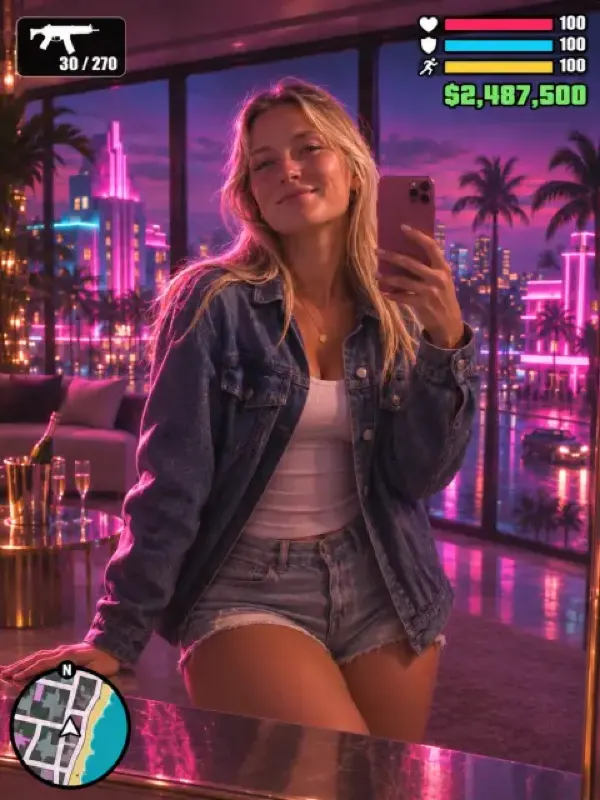
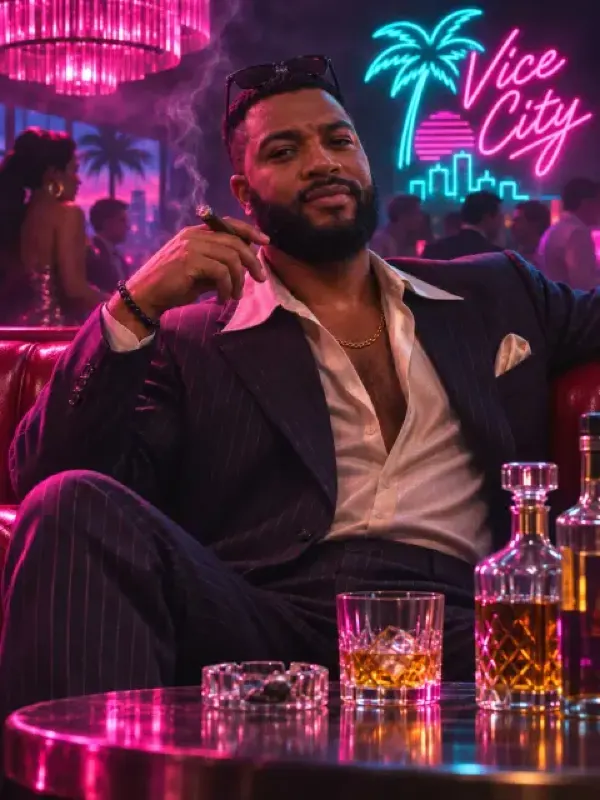
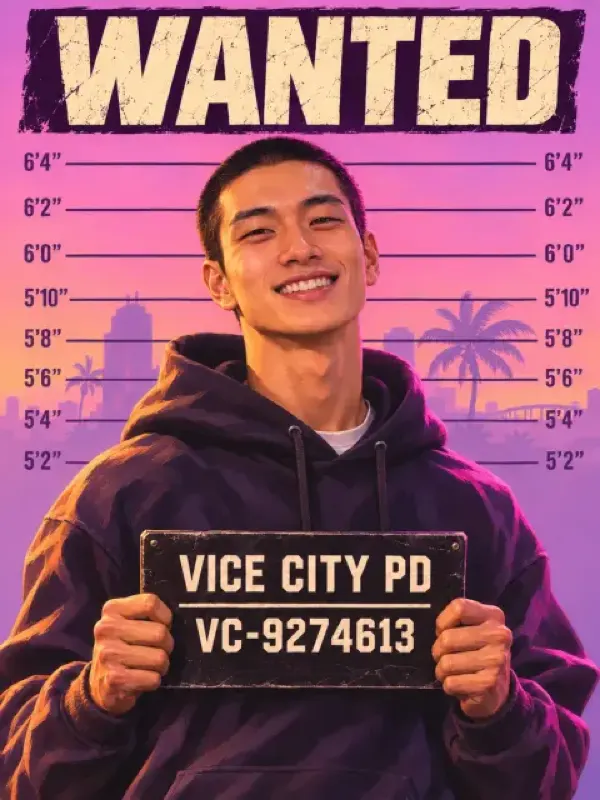
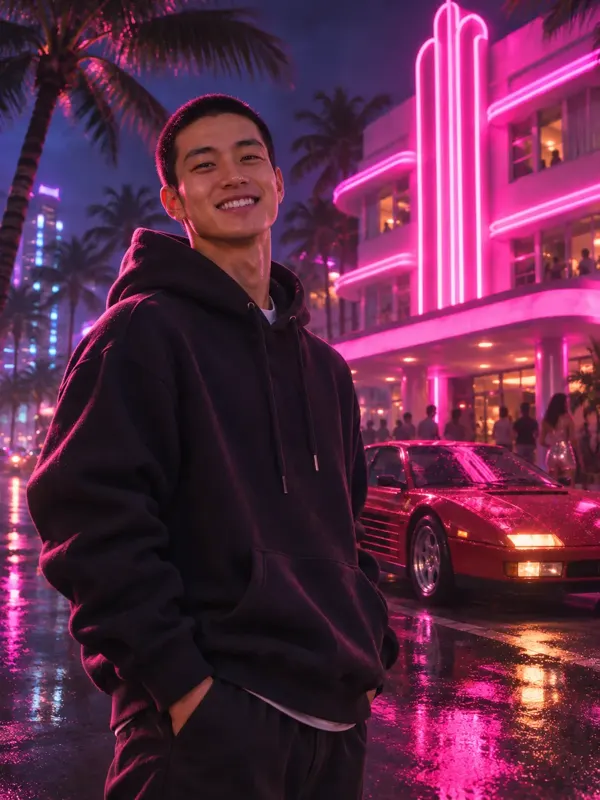
Our 12 original GTA filter presets span 10 solo scenes—from sunset loading screens and 5-star police chases to neon boulevards and mugshots—plus 2 multi-person compositions (Couple Cover for 2 people and Crew for 2–4 people). Click any card below to load that look in the workbench above.

Spec Summary: All 12 original presets omit trademarked names, support both Standard and Detailed tiers, and export in 3:4, 9:16, or 1:1.

Creator use cases

How Can You Use This GTA 6 Cover Art Maker, PFP Maker, and Loading Screen Tool?

Native 1:1, 3:4, and 9:16 exports up to 2K (2048px) let players and streamers use one tool as a GTA 6 PFP maker for Discord, a printable GTA 6 cover art maker for framed posters, and a 9:16 GTA 6 loading screen studio for TikTok and Reels.

  • 1:1 Avatars (GTA 6 PFP Maker)

    Pair the Mugshot or In-Game Selfie preset with 1:1 Standard tier for high-contrast Discord, Steam, Twitch, and X avatars.

  • 3:4 Posters (GTA 6 Cover Art Maker)

    Select Cover Art, Couple Cover (2P), or Crew (2–4P) at 2K (1536×2048px) to print sharp 12×16-inch or A3 posters.

  • 9:16 TikTok & Reels (Loading Screen)

    Export 9:16 vertical artwork (1440×2560px) with Loading Screen or Neon Night City for full-screen video reveals.

  • 2K Streamer Thumbnails & Overlays

    Use 5-Star Wanted or Crime Boss in Detailed tier for bold YouTube gaming thumbnails and stream starting screens.

What Are the Recommended Export Dimensions and Fan-Content Rules?

When sharing thumbnails or prints publicly, follow Rockstar Games' official fan content policy by labeling artwork as unofficial AI fan art and omitting trademarked logos.

Platform export dimensions and recommended presets
Target PlatformRecommended Preset & TierRatio, 2K Pixel Size & Safe-Zone Tip
Discord, Steam & X (PFP)Mugshot or In-Game Selfie · Standard1:1 Square · 2048×2048px (center head in 70% circular zone)
Framed Poster (Cover Art)Cover Art, Couple Cover, or Crew3:4 Vertical · 1536×2048px (prints cleanly at 12×16 in or A3)
TikTok & Reels (Loading Screen)Loading Screen or Neon Night City9:16 Vertical · 1440×2560px (keep bottom 20% clear)

Spec Summary: Native 1:1 (2048×2048px), 3:4 (1536×2048px), and 9:16 (1440×2560px) PNG exports cover avatars, framed posters, and vertical social feeds.

From 2D portrait to printable 3D figure

How Can You Turn Your Stylized Portrait into a Printable 3D Figure in One Click?

Press Turn This into a 3D Figure in your result panel to carry your uploaded portrait draft straight to our GTA 6 3D figure maker without uploading twice.

In 2–4 minutes, our 3D pipeline turns your portrait into downloadable GLB (Blender & AR), OBJ + MTL, and watertight STL files across four templates: Sunset Me, Heist Board Me, Partners in Crime (2P), and Cashbox Runner. You can also browse fan-made Lucia 3D models, fan-made Jason 3D models, and our 3D figurine prompt guide.

From still illustration to animated trailer

Want Motion Too? How Do You Turn Your Portrait into a 15-Second Trailer Video?

While this page builds 1K and 2K still illustrations, you can click Make a Trailer Video in your result panel—or open our GTA 6 AI video generator—to direct your portrait through a 5-shot neon crime trailer with original stereo audio using the same credits.

Pay-as-you-go pricing

How Much Does the GTA 6 Filter Cost and How Are Your Credits Protected?

A 1K image costs 30 credits and a 2K image costs 40 credits—about $0.25 per image on the Legend pack, paid once via Stripe with zero subscriptions.

Starter

$9.99one-time

800 credits · never expire

Makes up to

  • 26GTA 6 photos$0.37 each
  • 13D figure$7.49 each
  • —trailer videosnot enough

One balance for all three tools — mix them any way you like.

  • Two-person figures & 15 s trailers from Crew up
  • HD files: GLB · OBJ · STL, 2K PNG, 1080p video
  • No watermark on any download
  • 1 free regenerate per figure
  • Failed jobs refunded automatically
  • Photos deleted after 30 days
Most popular

Crew

Save 17%

$24.99one-time

2,400 credits · never expire

Makes up to

  • 80GTA 6 photos$0.31 each
  • 43D figures$6.25 each
  • 2trailer videos$9.37 each

One balance for all three tools — mix them any way you like.

  • Two-person figures (up to 2)
  • HD files: GLB · OBJ · STL, 2K PNG, 1080p video
  • No watermark on any download
  • 1 free regenerate per figure
  • Failed jobs refunded automatically
  • Photos deleted after 30 days
Best value

Legend

Save 33%

$49.99one-time

6,000 credits · never expire

Makes up to

  • 200GTA 6 photos$0.25 each
  • 103D figures$5.00 each
  • 6trailer videos$7.50 each

One balance for all three tools — mix them any way you like.

  • Two-person figures (up to 5)
  • HD files: GLB · OBJ · STL, 2K PNG, 1080p video
  • No watermark on any download
  • 1 free regenerate per figure
  • Failed jobs refunded automatically
  • Photos deleted after 30 days

One-time payment · No subscription · Prices + tax where applicable

What each creation costs

3D figure
TypeCreditsFrom
Chibi (Sunset Me, Heist Board Me)600 cr$5.00
Realistic single (Cashbox Runner)800 cr$6.67
Two people (Partners in Crime)1,200 cr$10.00
GTA 6 photo
TypeCreditsFrom
1K30 cr$0.25
2K40 cr$0.33
Trailer video
TypeCreditsFrom
720p (15 s)900 cr$7.50
1080p (15 s)1,400 cr$11.66

Dollar prices are at the Legend rate. One-time payment; credits never expire, work across the photo filter, 3D figures, and trailer videos, and refund 100% automatically if a job fails. See full pricing details.

FAQ

Frequently Asked Questions About the GTA 6 Filter

How much does the GTA 6 filter cost, and is there a monthly subscription?

There is no monthly subscription. A 1K image costs 30 credits and a 2K image costs 40 credits. One-time packs start at $9.99 for 800 credits (about $0.25 per photo on Legend), deducted only when your render succeeds.

How do I put the GTA 6 filter on my photo without writing AI prompts?

Pick one of the 12 style cards above, upload 1 to 4 clear adult photos into the person slots, choose your ratio (3:4, 9:16, or 1:1) and tier (Standard or Detailed), and click Generate to download your HD PNG in 20–60 seconds.

Can I make a moving GTA 6 style video after using the photo filter?

Yes. After creating your still portrait, open our GTA 6 AI video generator to animate your photo into a 15-second, 5-shot trailer clip using the same credit balance.

Can I use this tool as a GTA 6 cover art maker for a custom poster?

Yes. Selecting Cover Art, Couple Cover, or Downtown Night Cover at 3:4 2K outputs a crisp 1536×2048px poster ready for framing, plus up to 80 characters of custom car or outfit details.

How does this AI filter compare to CapCut, Viggle, Higgsfield, or ChatGPT?

CapCut mostly adds static borders, Viggle and Higgsfield focus on motion swaps, and unassisted ChatGPT prompts often drift off-face (~38% refusal rate in our benchmark). Our generator offers Standard (92.4% facial geometry lock) and Detailed (+40% richer scene makeover) tiers verified on Product Facts.

Does the GTA 6 filter keep my face recognizable?

Yes. Choosing the Standard tier with a clear front or 3/4 portrait preserves 92.4% of facial landmark geometry—keeping your eye shape, nose bridge, jawline, skin tone, glasses, and facial hair recognizable.

Can I put my partner or friends in the same image without mixing up faces?

Yes. Couple Cover unlocks 2 separate upload slots and Crew unlocks 2 to 4 separate slots (one photo per person), mapping each face independently. Everyone pictured must be a consenting adult (18+).

Can I turn my stylized photo into a 3D figure for Blender or 3D printing?

Yes. Click Turn This into a 3D Figure in the result panel to carry your uploaded photo straight to our 3D figure generator and download GLB, OBJ, and 3D-printable STL files.

Can I post my artwork on TikTok or YouTube and use it commercially?

Yes. You may share and monetize your original fan art on TikTok, Reels, YouTube, and Twitch or print merch, provided you label it AI-generated, do not claim official Rockstar endorsement, and omit trademarked logos. See our Terms of Service.

Is uploading my photo safe, and how long are images stored?

All uploads and finished renders stay in private encrypted storage, never train AI models, and auto-delete after 30 days—or delete them anytime in My Creations. Read our Privacy Policy.

Does the filter work on iPhone and Android mobile browsers?

Yes. It runs directly in mobile Safari and Chrome on iOS and Android with the upload workbench on the first screen and no app download required.

Is gta6model.org affiliated with Rockstar Games?

No. gta6model.org is an independent fan-made project not affiliated with, endorsed, or sponsored by Rockstar Games or Take-Two Interactive.
++++

Ready to Transform Your Selfie into GTA 6 Art?

Upload 1 to 4 clear portraits, pick from 12 cel-shaded styles, and download your watermark-free 1K or 2K PNG in 20 to 60 seconds. One-time packs from $9.99.

Apply the GTA 6 Filter Now

Written and maintained by GTA6ModelPublished Last updated